
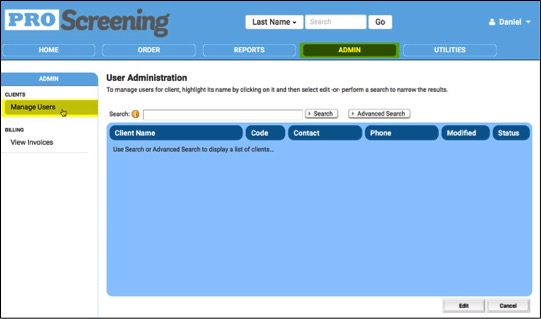
To manage users, click on the ‘Admin’ tab and then ‘Manage Users’ on the left.
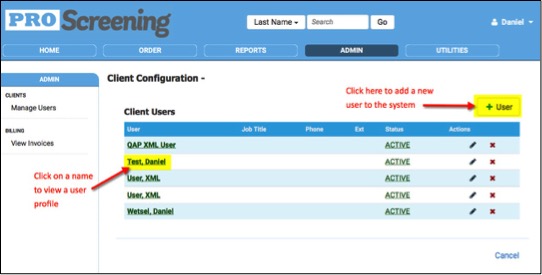
To view an existing user’s profile, click on the user’s name. To add a user, click on the + User icon.
Enter the new user’s First Name, Last Name, Email Address and User Name. You can enter additional information if desired. Make sure the “Send New Account Setup Email’ box is checked. This will send an email to your new user with instructions for creating their login.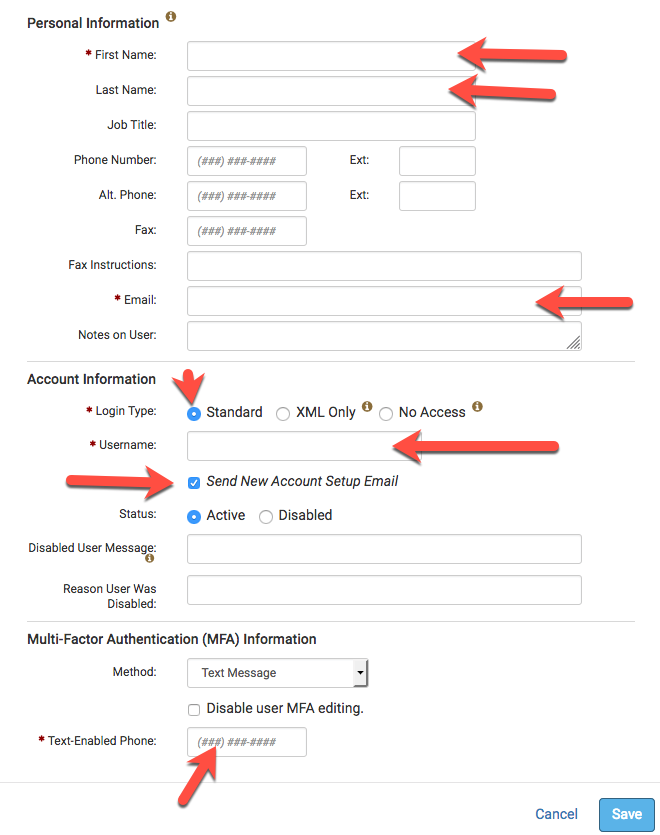
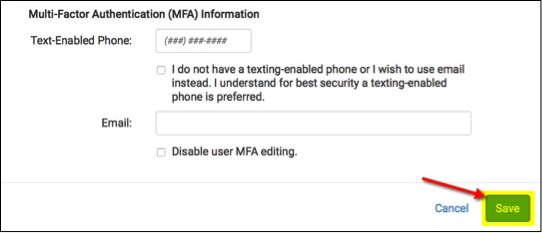
Be sure to click on the tabs at the top to assign the appropriate permissions for the new user. When complete, click ‘Save.’

Comments
Please sign in to leave a comment.