
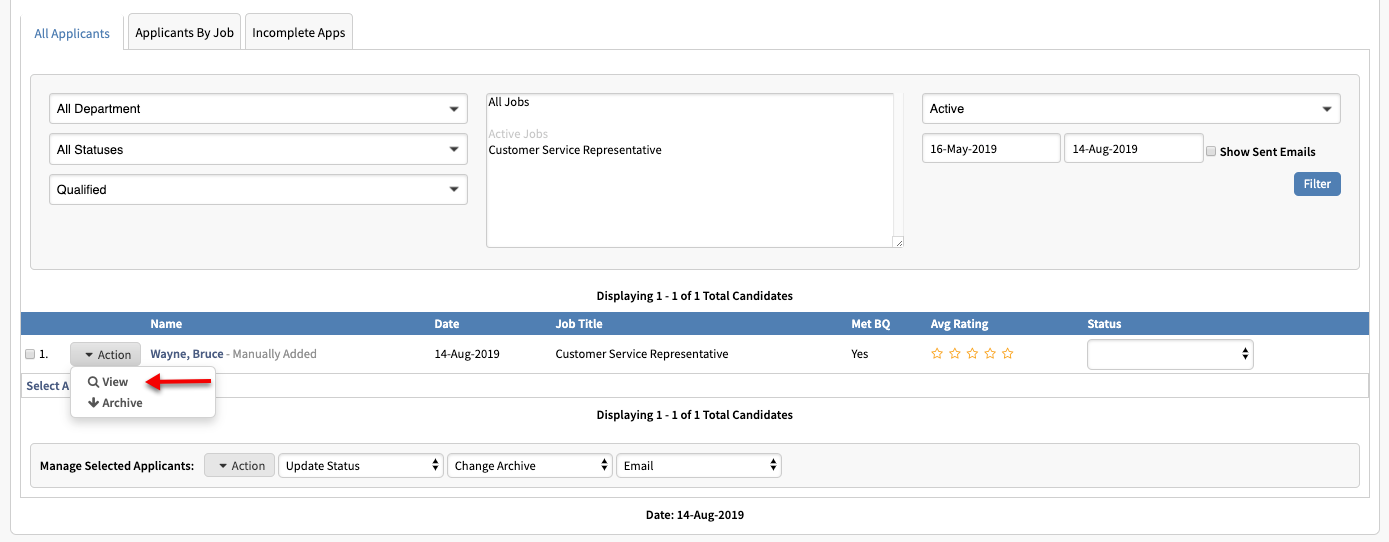
1.) From your "Applicants" dashboard, locate the applicant you wish to order a background check on.
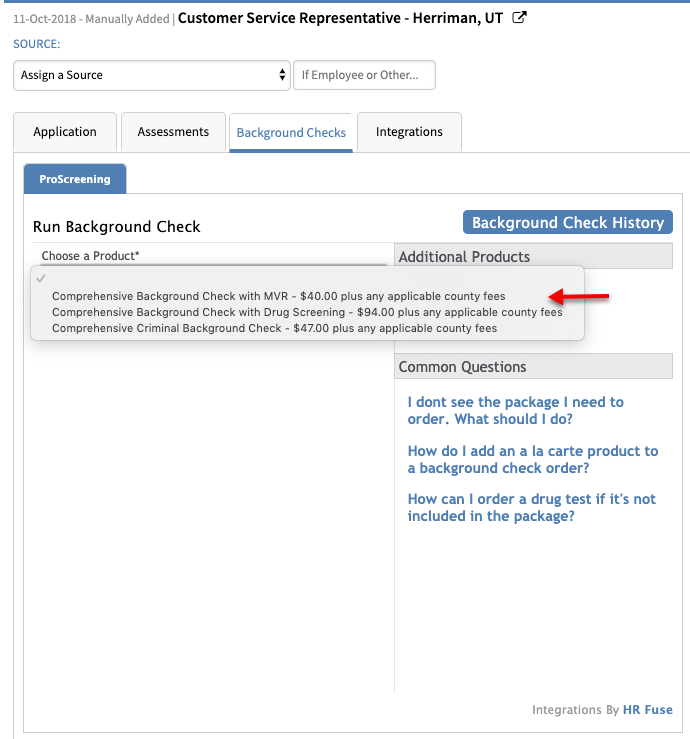
2.) Click on the Background tab and then select the package you wish to order from the drop-down menu.

3.) Enter any order notes into the "Order Notes" box (optional). Click on the submit button to place your order.
4.) Once the order has been submitted you will see the status as "Awaiting Applicant Authorization" .
Congratulations you placed an order!

Comments
Please sign in to leave a comment.